
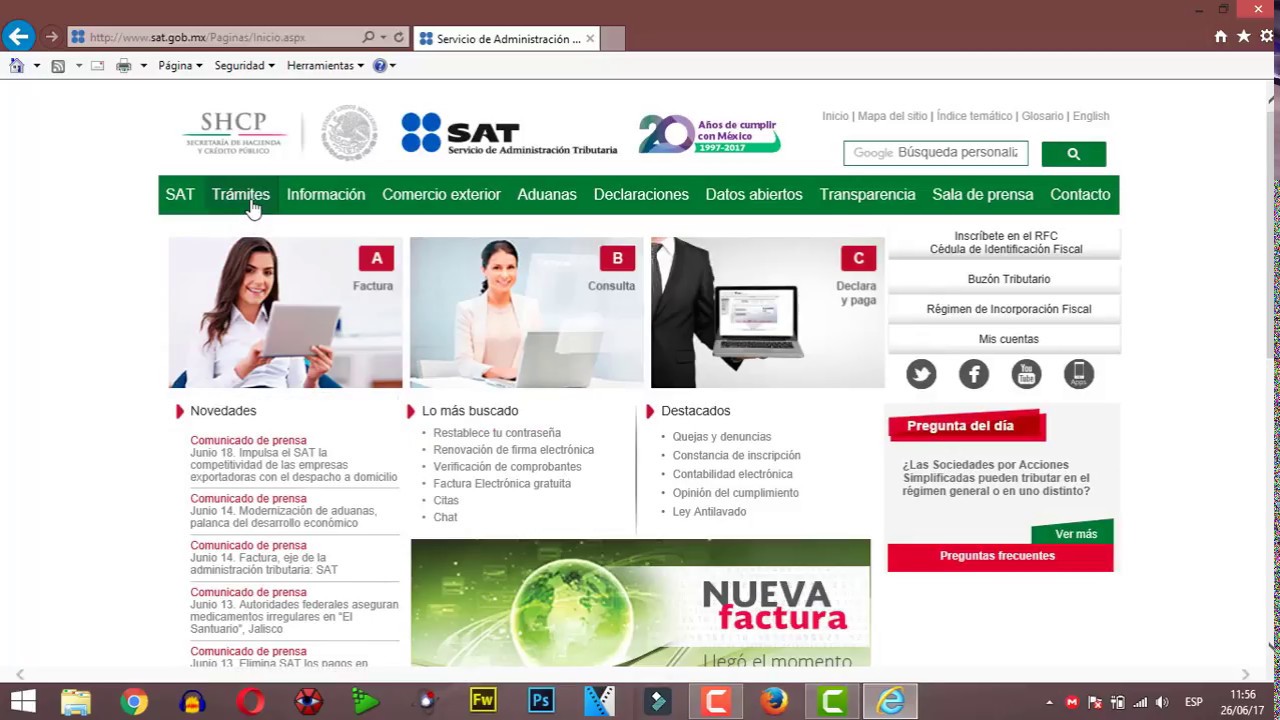
Electronic invoicing is a tool increasingly used by companies to streamline their processes and improve efficiency. However, issuing and receiving electronic invoices requires appropriate software. In this tutorial, we'll show you how to configure Explorer for electronic invoicing, step by step and in a simple manner, so you can start using this tool in your company. Let's get started!
Everything you need to know about the Facturae format to invoice correctly
Facturae is an electronic format used in Spain for electronic invoicing. This format is mandatory for all companies that invoice the Public Administration. Many private companies also use it to streamline their invoicing processes.
To invoice correctly using Facturae, it is important to take into account the following aspects:
1. Identification of the parties: The invoice must include the details of the company issuing the invoice and the details of the company receiving it. It is important that this information is correct and up-to-date.
2. Detailed description of goods or services: The invoice must include a detailed description of the goods or services being billed. It is recommended that this description be clear and concise.
3. Calculation of the invoice amount: The invoice must include the total amount of the invoice, breaking down the taxes and any other items included in the invoice.
4. Electronic signature: The invoice must be electronically signed to guarantee its authenticity and integrity.
To use Facturae, you must have invoicing software that is compatible with this format. It's also important to keep in mind that electronic invoicing offers advantages such as reduced costs and time, as well as greater efficiency in the billing process.
It is important to comply with the requirements established by this format in order to invoice correctly. Furthermore, using electronic invoicing can be beneficial for companies by reducing costs and time, and improving the efficiency of their billing processes.
Web browsers are a fundamental tool for using the SII electronic invoicing system. Therefore, it's important to choose a browser that optimizes the use of this platform and allows for more efficient processing. Below, we present the best browsers for optimizing your use of the SII:
1. Google Chrome: This browser is one of the fastest and most stable on the market, making it an excellent choice for using the SII (Immediate Supply of Information). It also has a wide variety of extensions that can enhance the user experience.
2. Mozilla Firefox: Firefox is another very fast and secure browser that is ideal for using the SII (Immediate Supply of Information). Furthermore, it has versions for different operating systems, making it very versatile.
3. Microsoft Edge: If you have Windows 10, this browser can be a good option for using the SII (Immediate Supply of Information). It's fast and secure, and has some interesting features, such as the ability to take notes directly on web pages.
4. Safari: If you're a Mac user, Safari is the default browser on your computer. While not as popular as Chrome or Firefox, it's a very fast and efficient browser that can be a good option for using the SII (Immediate Supply of Information).
5. Opera: This browser is one of the most complete on the market, boasting a wide range of built-in features, such as a VPN, ad blocker, and password manager. If you're looking for a comprehensive and efficient browser for using the SII (Immediate Supply of Information), Opera could be a good option.
Choosing the right browser can make a difference in the efficiency and speed of your transactions. The browsers mentioned are some of the best for optimizing your use of the SII, but you can always try several and choose the one that best suits your needs.
